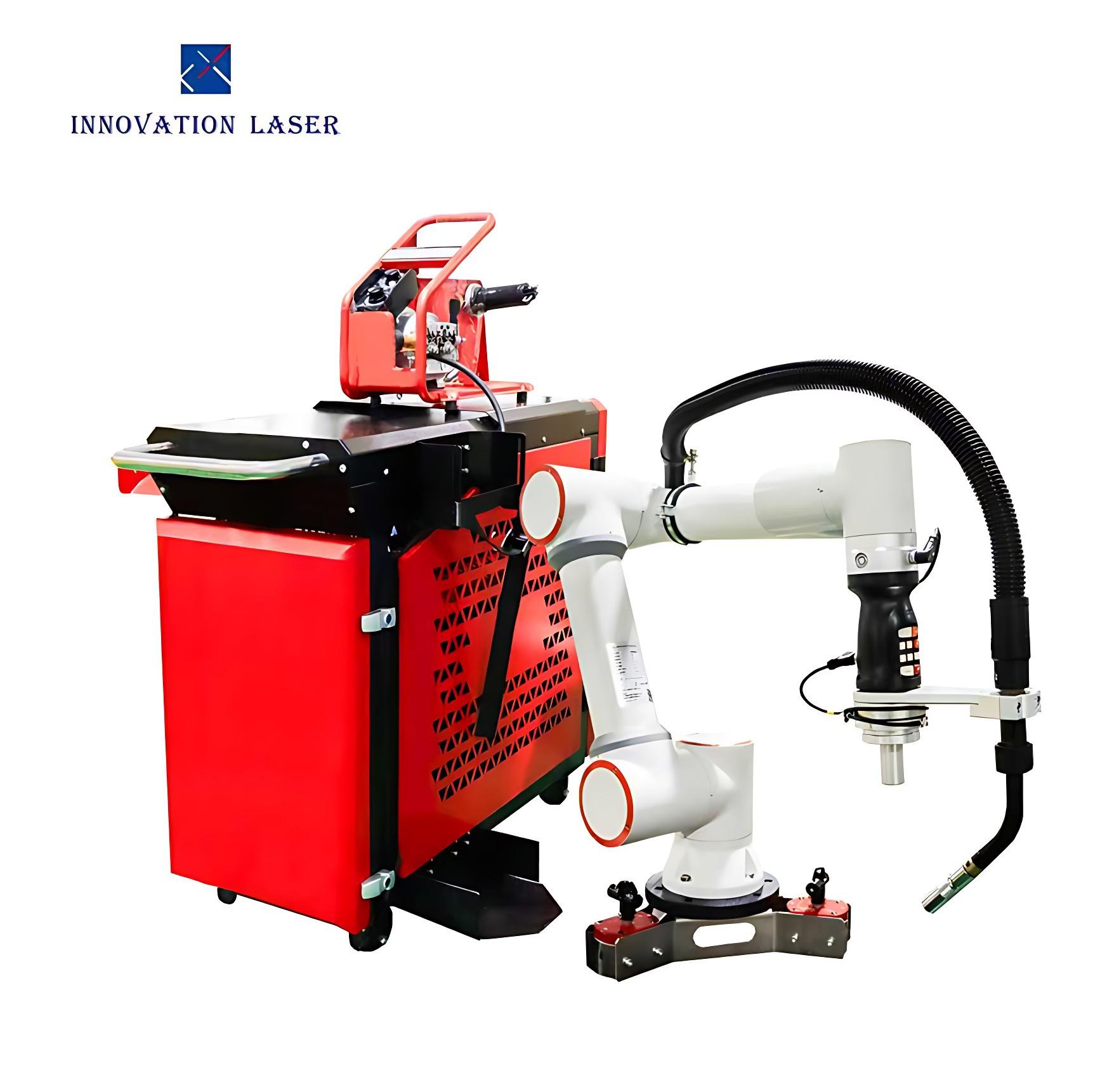
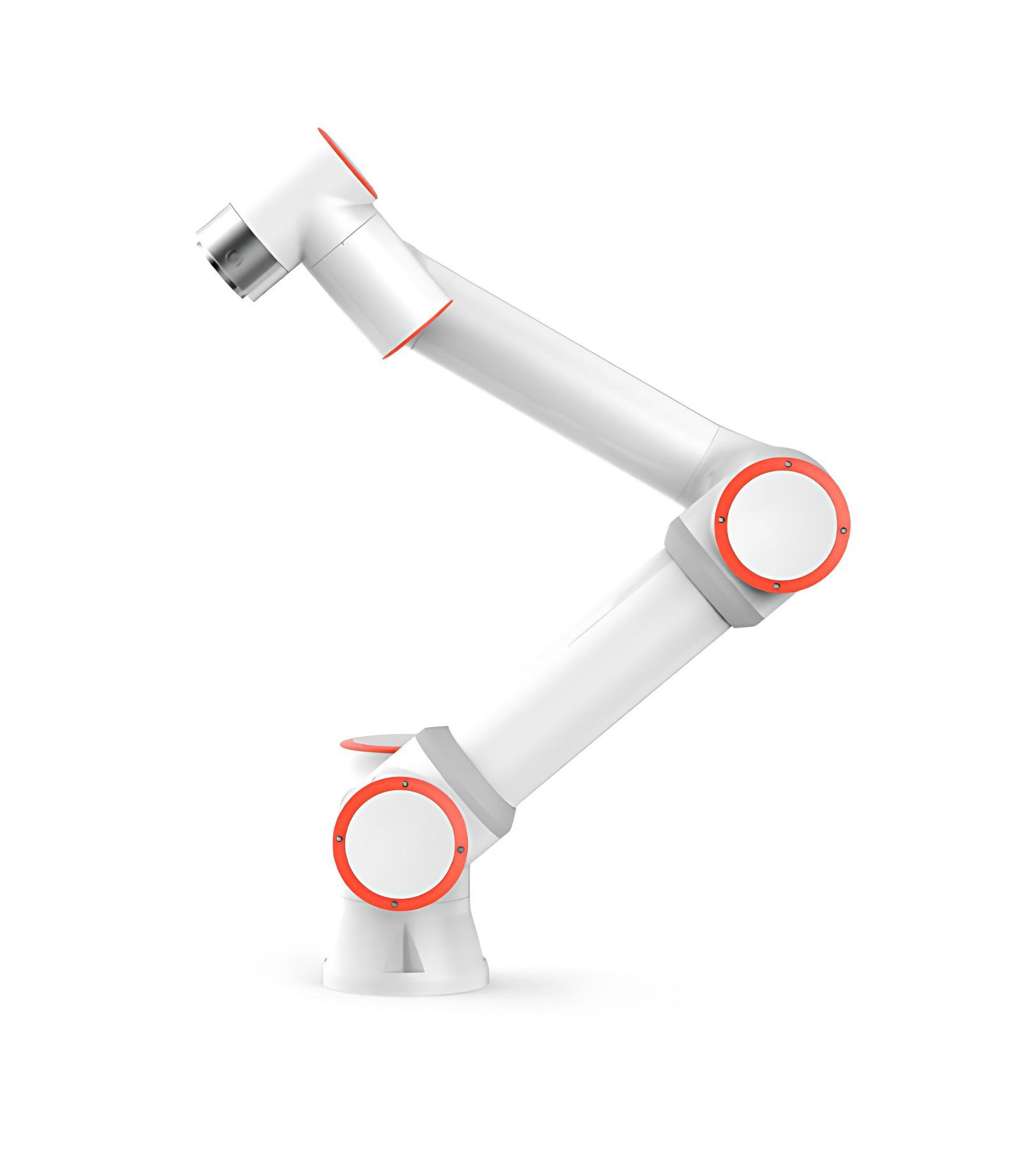
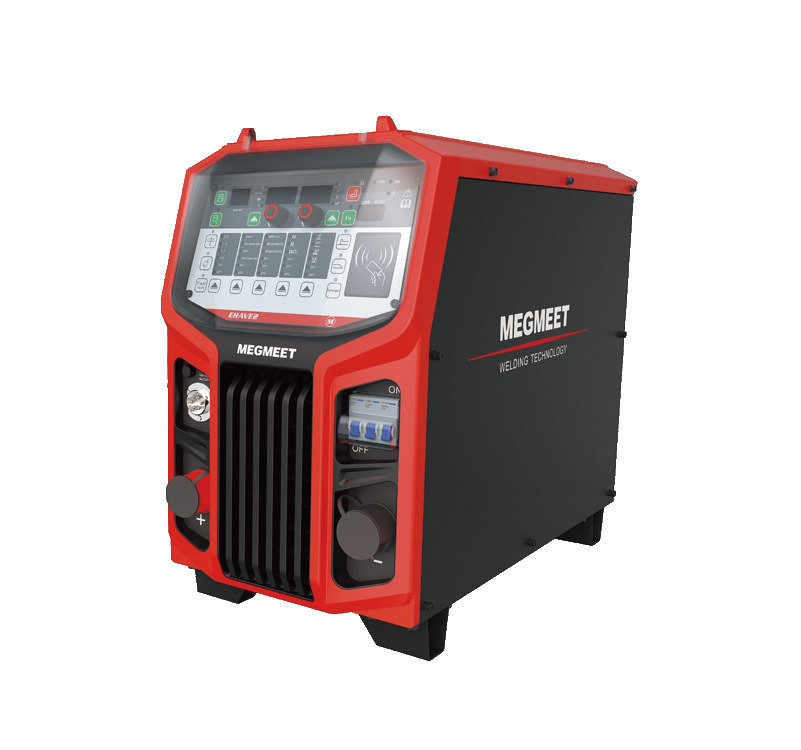
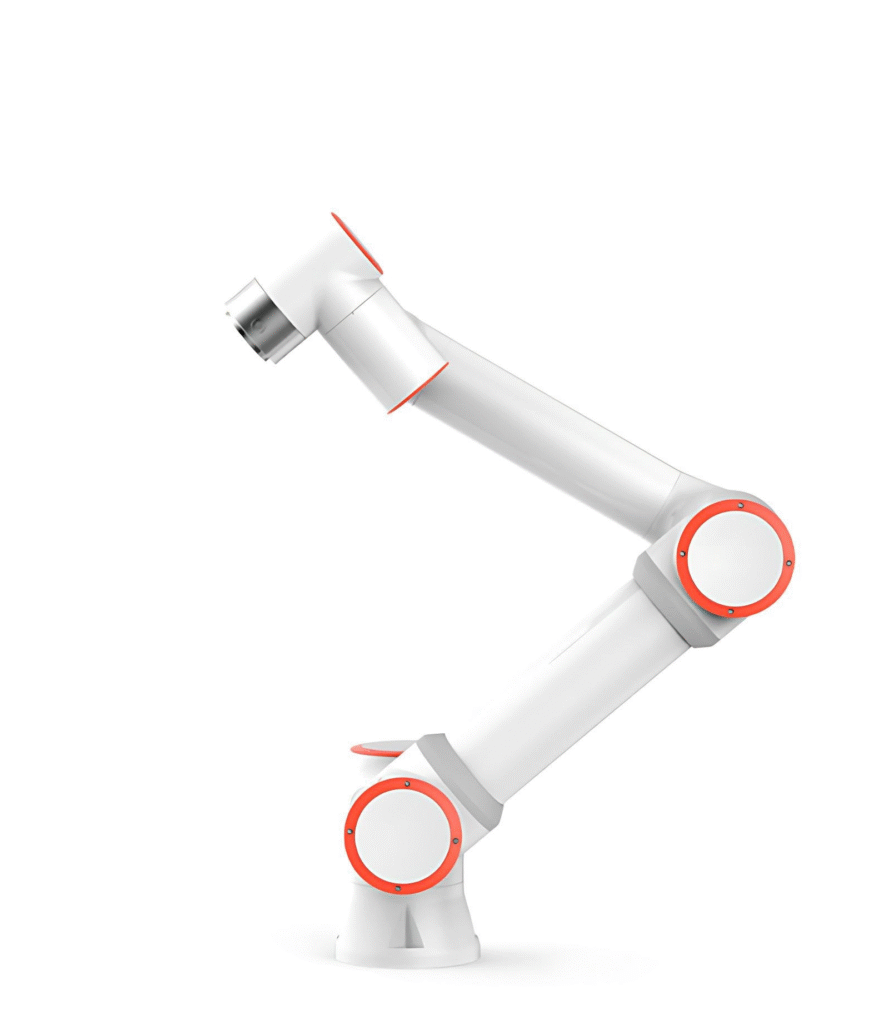
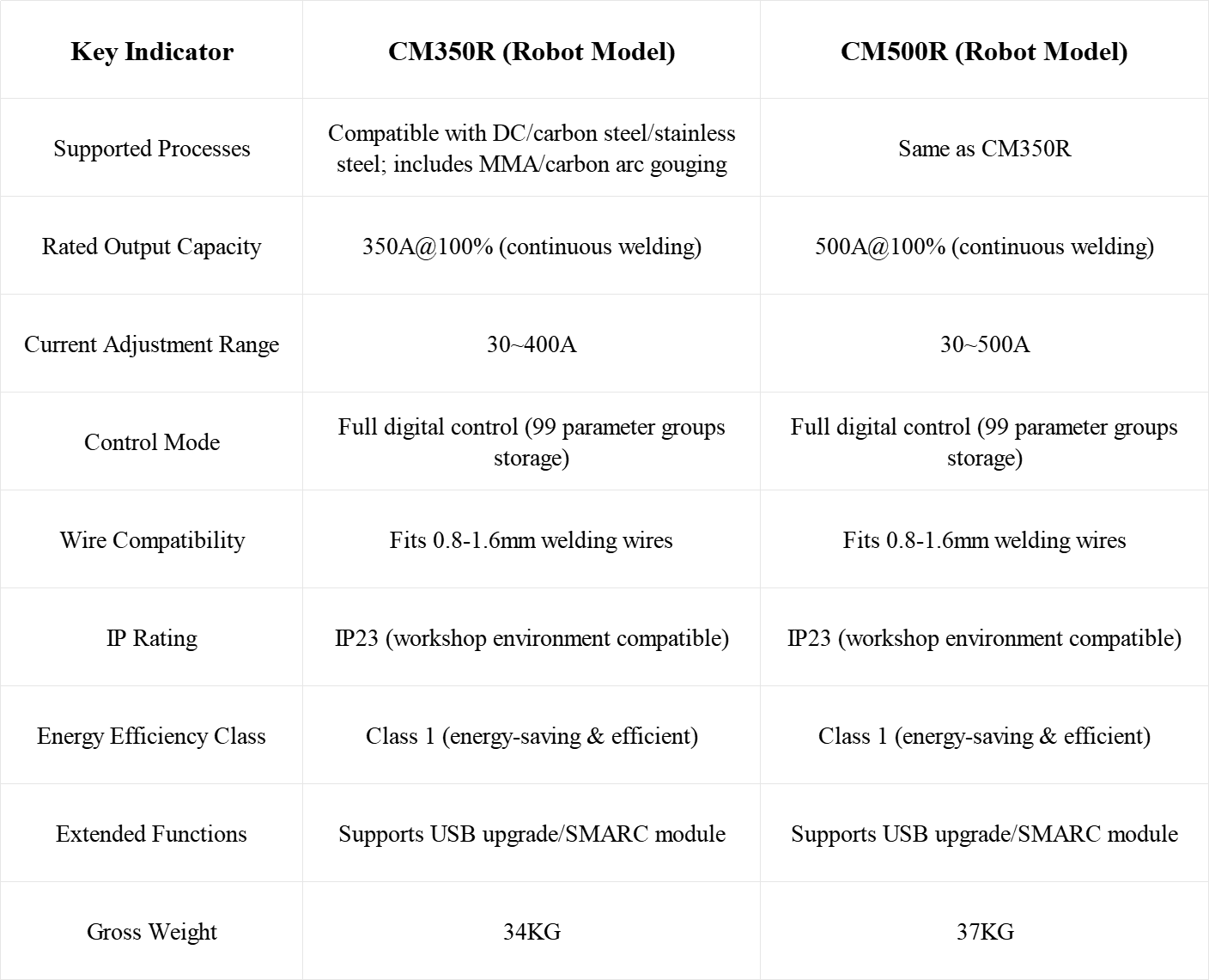
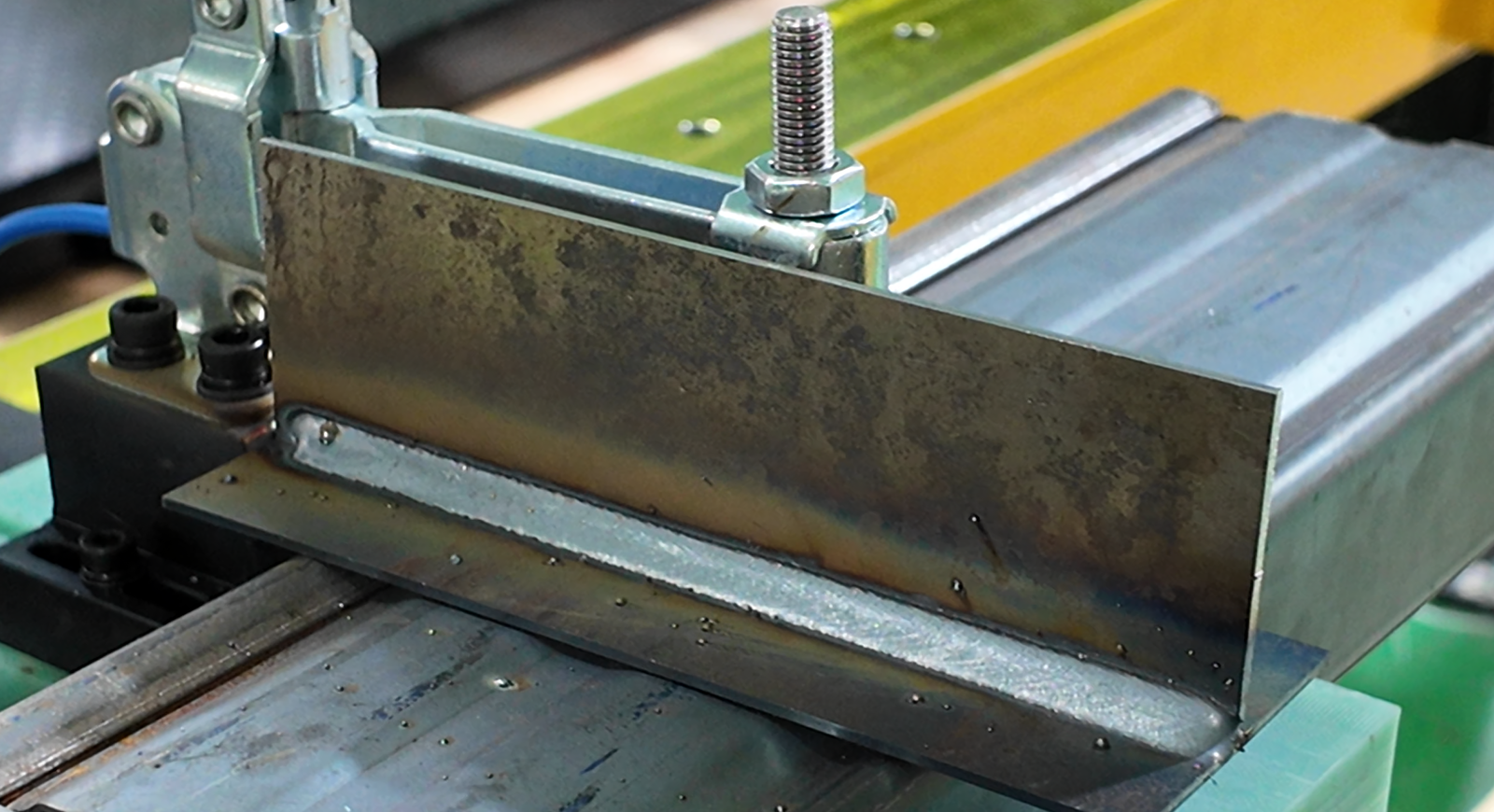
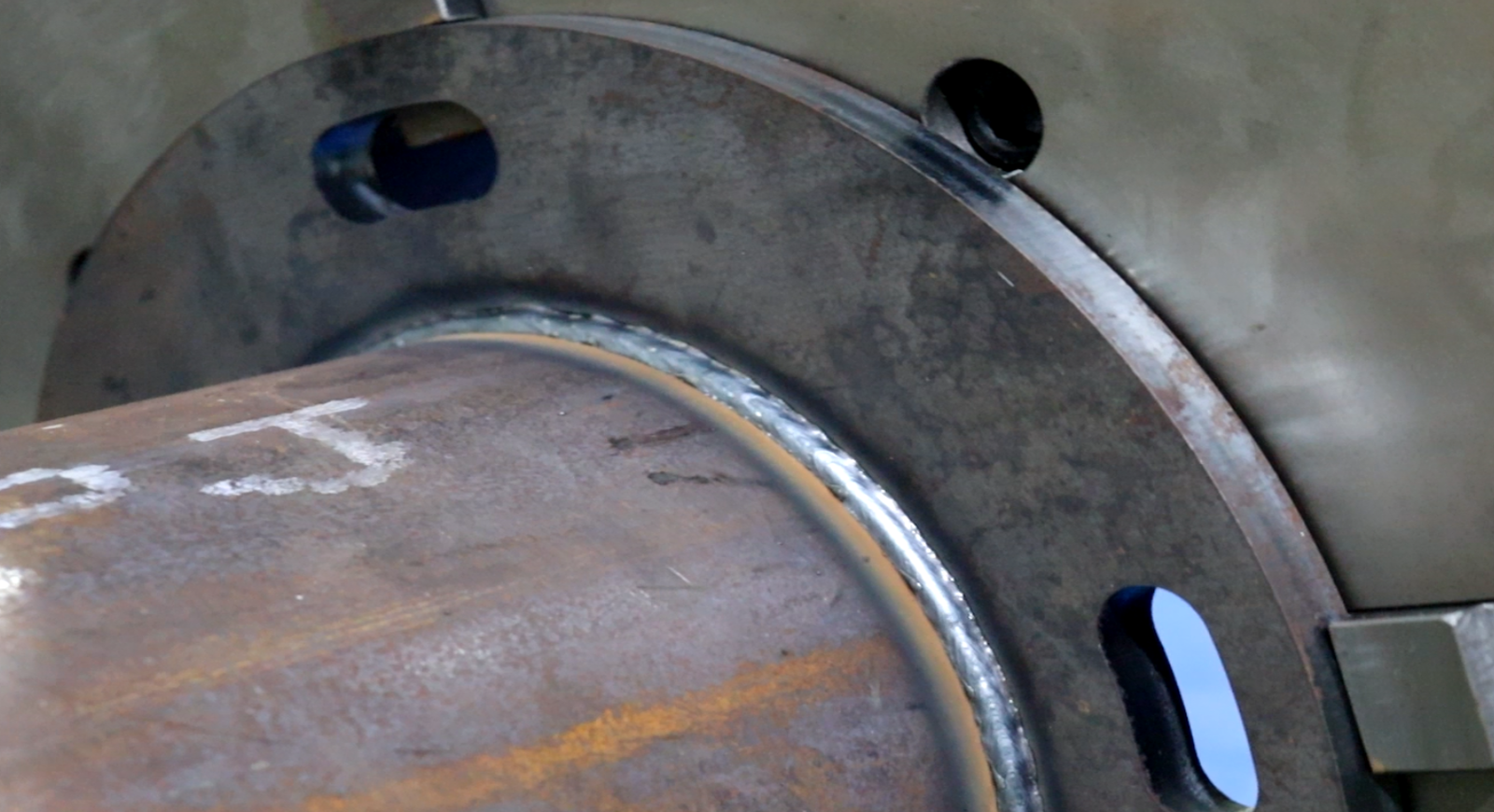
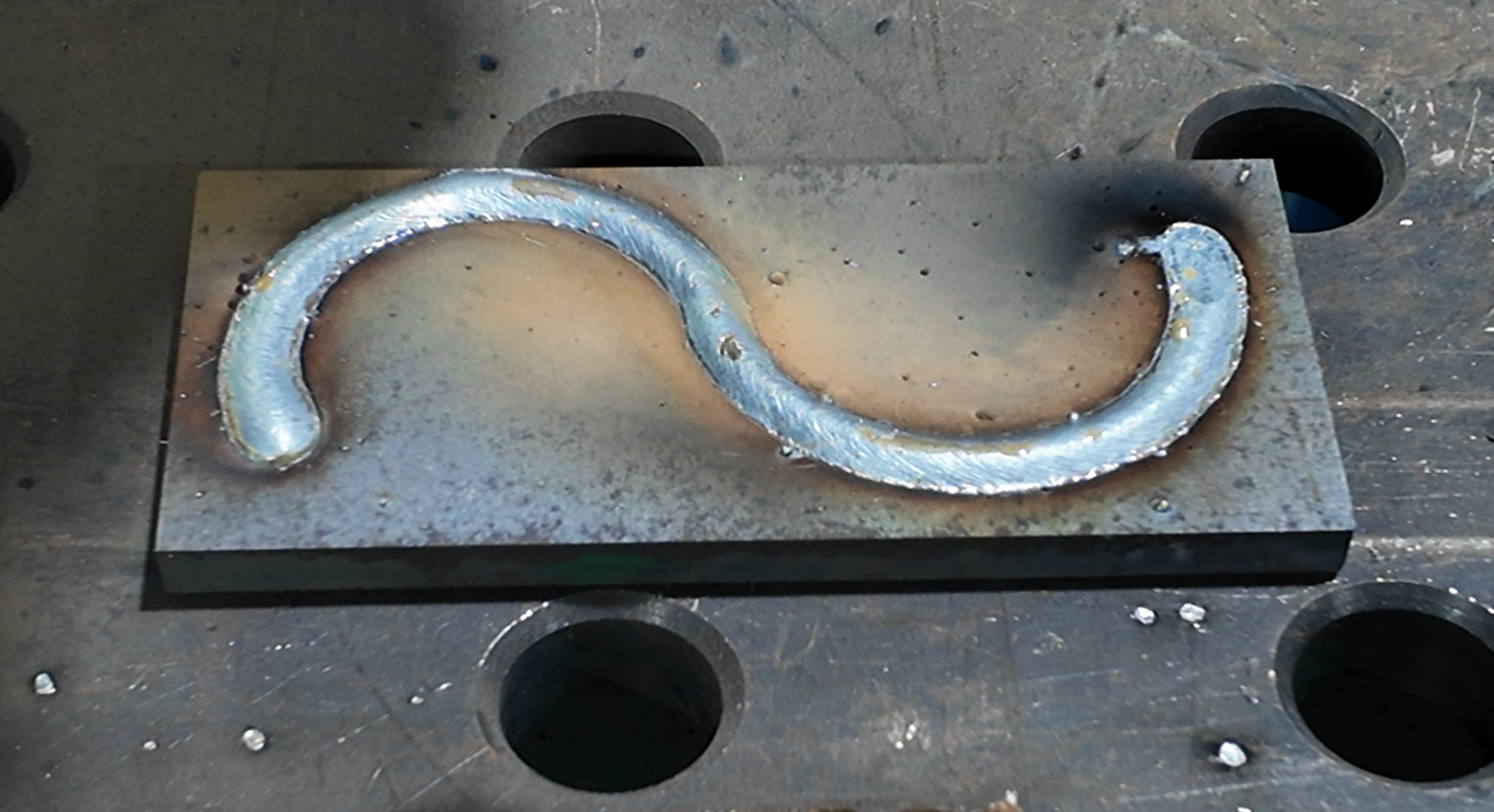
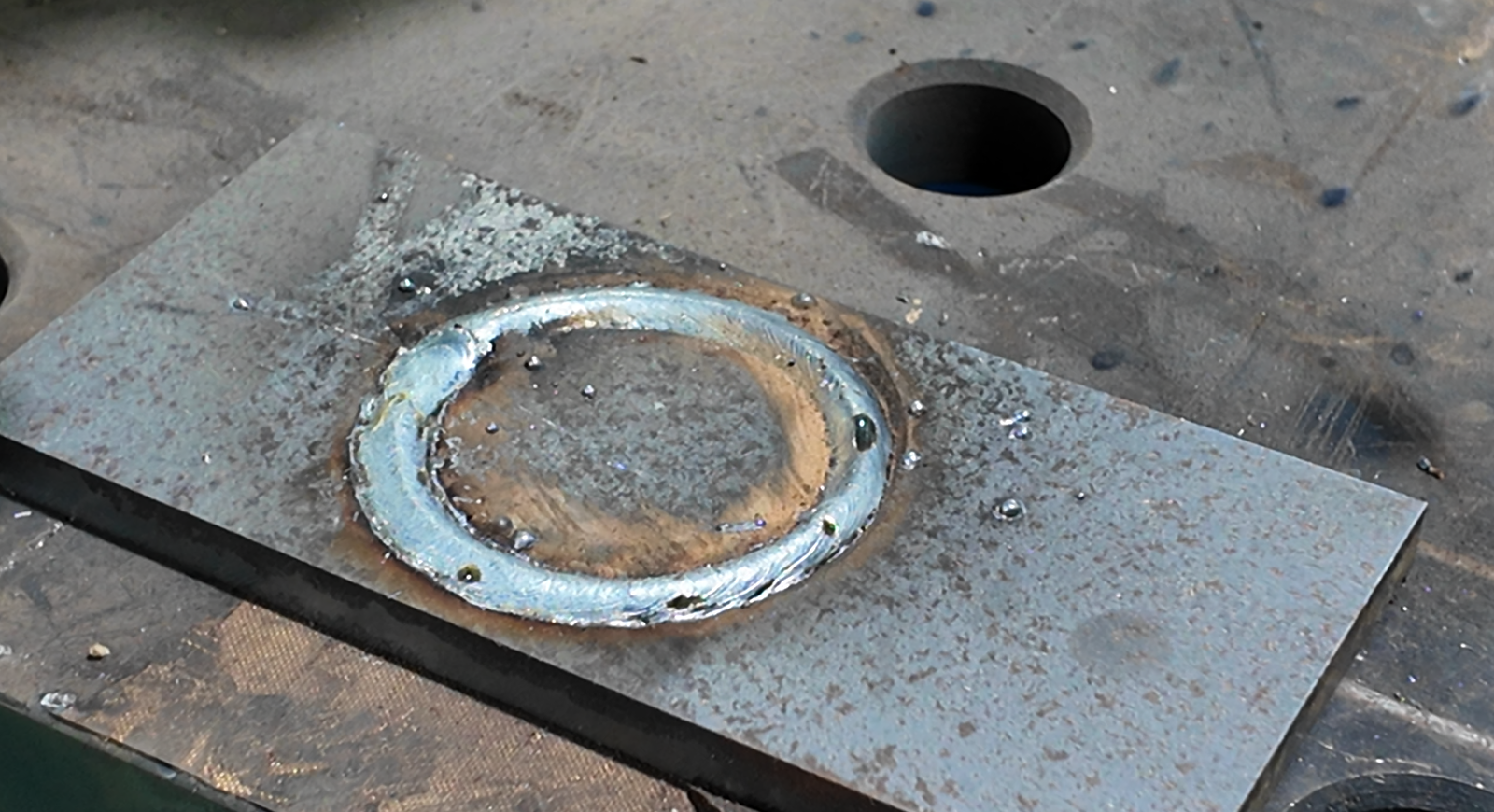
Innovation Laser’s Welding Cobot System boasts two high-performance core cobots:
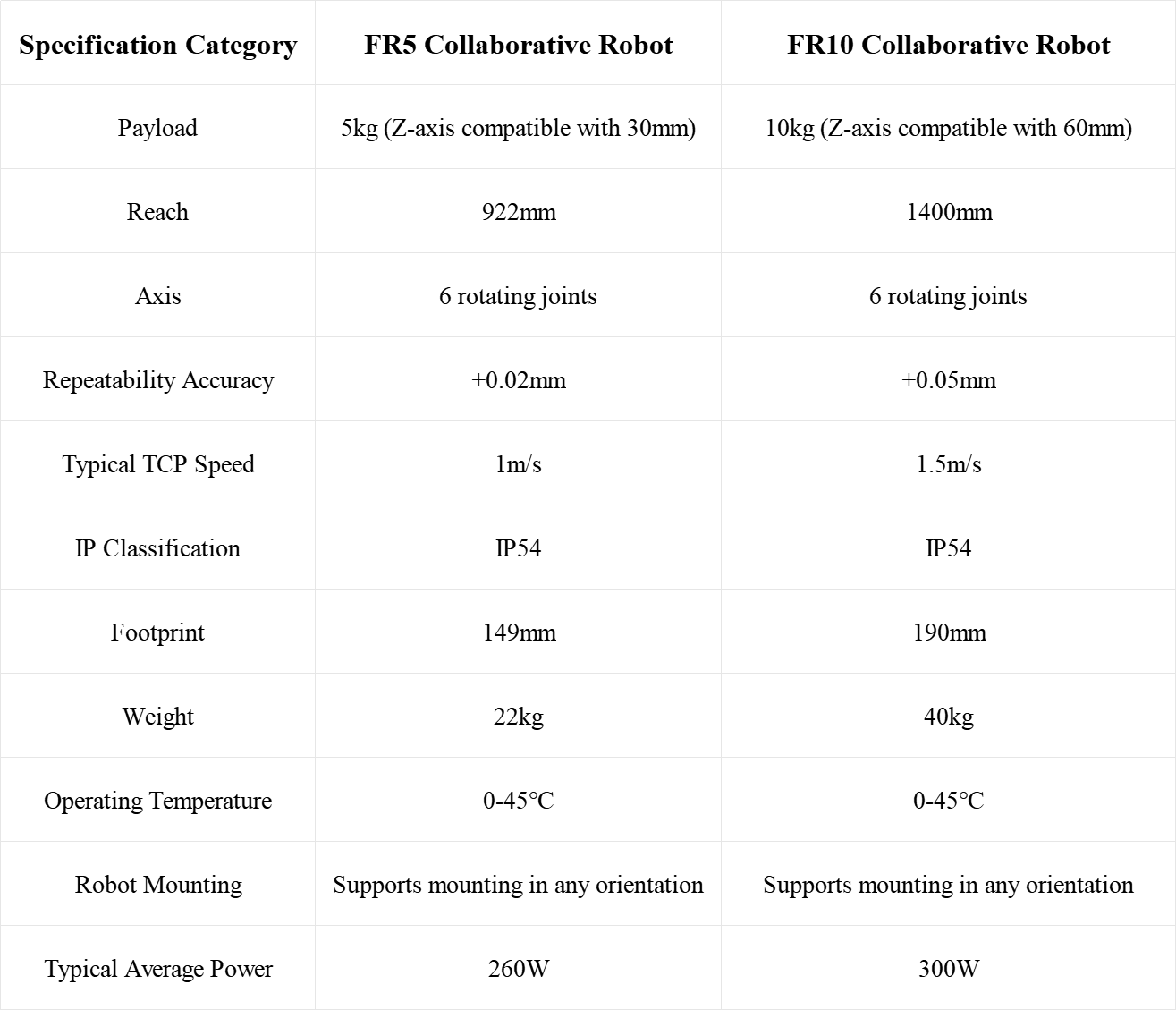
FR5: Lightweight with 5kg payload, 922mm reach and ±0.02mm precision—ideal for high-accuracy small-part welding.
FR10: Medium-payload (10kg) with 1400mm long reach—perfect for medium-large workpieces.
Both offer flexible mounting, IP54 workshop protection and clear specs, ensuring multi-scenario automation efficiency.
Specification Category
FR5 Collaborative Robot
FR10 Collaborative Robot
Payload
5kg (Z-axis compatible with 30mm)
10kg (Z-axis compatible with 60mm)
Reach
922mm
1400mm
Axis
6 rotating joints
6 rotating joints
Repeatability Accuracy
±0.02mm
±0.05mm
Typical TCP Speed
1m/s
1.5m/s
IP Classification
IP54
IP54
Footprint
149mm
190mm
Weight
22kg
40kg
Operating Temperature
0-45℃
0-45℃
Robot Mounting
Supports mounting in any orientation
Supports mounting in any orientation
Typical Average Power
260W
300W
Key Indicator
CM350R (Robot Model)
CM500R (Robot Model)
Supported Processes
Compatible with DC/carbon steel/stainless steel; includes MMA/carbon arc gouging
Same as CM350R
Rated Output Capacity
350A@100% (continuous welding)
500A@100% (continuous welding)
Current Adjustment Range
30~400A
30~500A
Control Mode
Full digital control (99 parameter groups storage)
Full digital control (99 parameter groups storage)
Wire Compatibility
Fits 0.8-1.6mm welding wires
Fits 0.8-1.6mm welding wires
IP Rating
IP23 (workshop environment compatible)
IP23 (workshop environment compatible)
Energy Efficiency Class
Class 1 (energy-saving & efficient)
Class 1 (energy-saving & efficient)
Extended Functions
Supports USB upgrade/SMARC module
Supports USB upgrade/SMARC module
Gross Weight
34KG
37KG
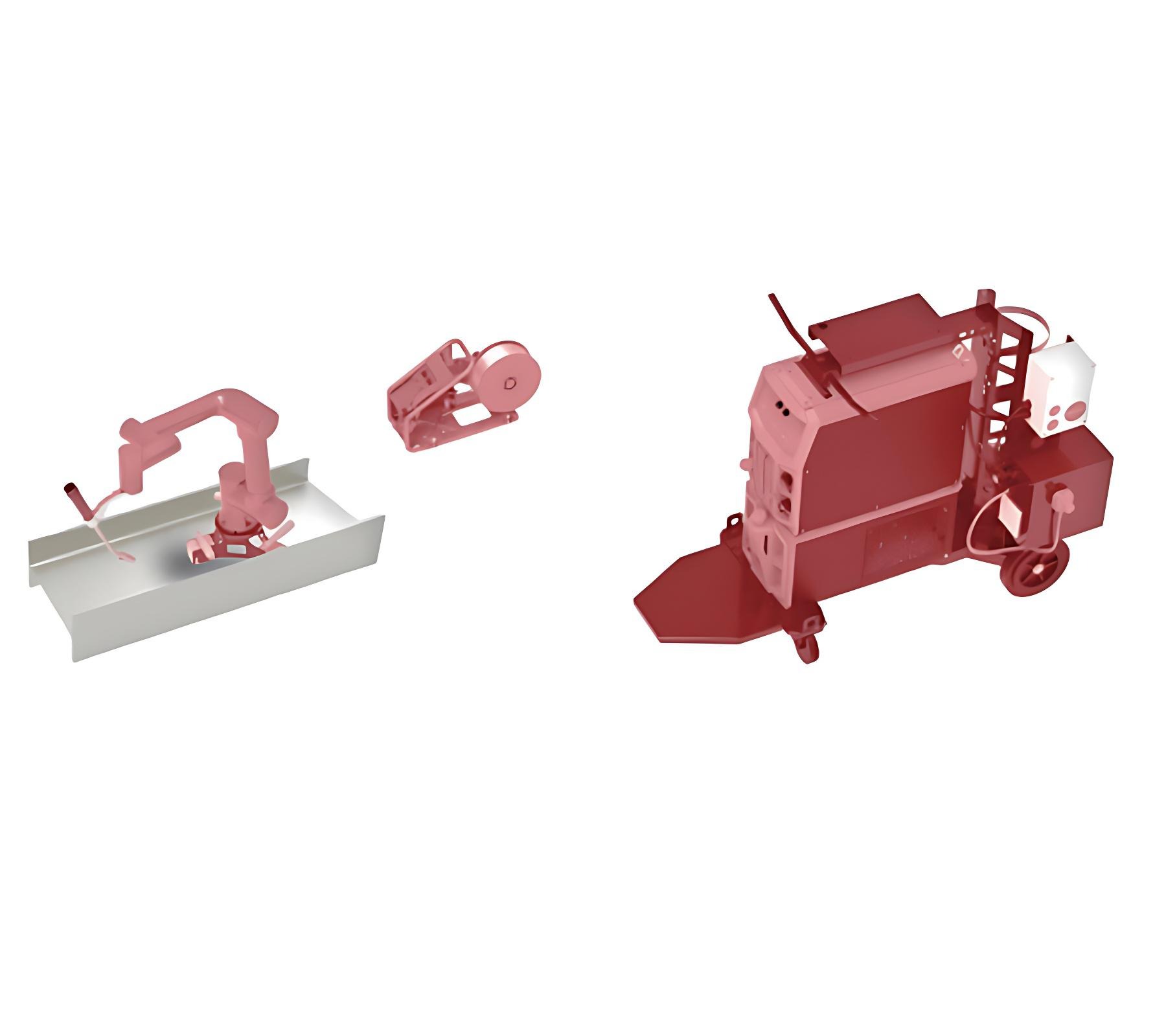
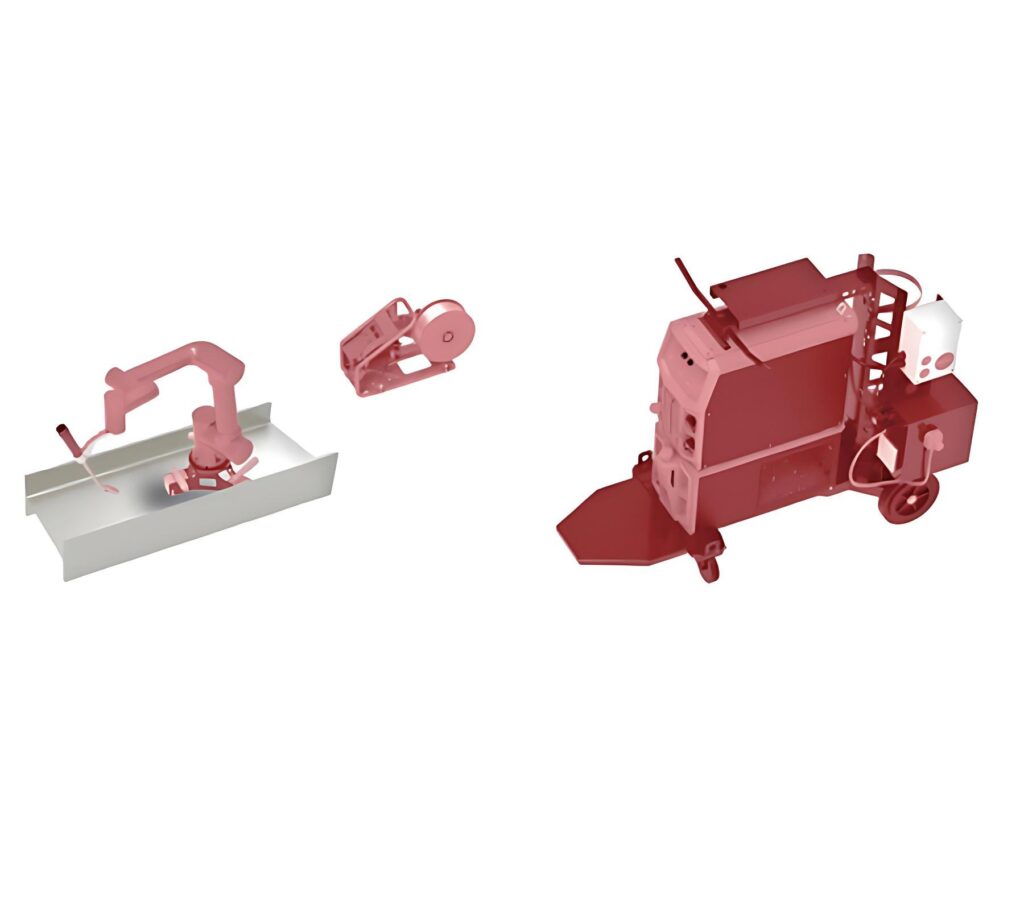
As a core accessory of Innovation Laser’s welding system, it can carry FR5/FR10 robots and CM350R/500R welders, integrating key modules. The strong magnetic base fixes in 3 seconds to prevent displacement. With 9-step standardized
Operation Procedure: 1.Input power supply, connect the gas bottle, and install the welding wire according to the technical parameters; 2. Pull the welding trolley to the desired location and lock the brakes; 3.Move the cobot to the working area and close the magnetic switch to fix the cobot; 4.Tunr on the electical power and wait for the power indication light on; 5.Using tha programming tablet to choose the technique template or setting the parameters 6.Using the SmrtTool to locate the welding point and program; 7. After first time programming, please run the cobot to test the trajectory; 8.After testing the trajectory, then start the welding 9.Replace the workpiece once welding is done
01
Step
Submit Requirements
Provide drawings, photos, videos, and basic project details to help us quickly understand your needs.
02
Step
Technical Evaluation
Our team analyzes your materials and proposes the most suitable laser or automation solution.
03
Step
Design & Production
We finalize the solution, start detailed design, and manufacture the required equipment.
04
Step
Delivery & Support
We install the system, train your team, and provide ongoing technical service.
Contact
Reliable After-Sales Service You Can Trust.
Our service team offers quick troubleshooting, remote assistance, on-site support, and lifetime technical guidance to keep your production stable and efficient.